
Developers rely on different tools to write, test, and manage code efficiently. Many powerful tools are available for free and provide features that make programming easier and faster. In this free developer tools review, we will explore some of the most popular tools programmers use for coding, debugging, and project management.
Whether you are a beginner learning programming or an experienced developer building complex applications, free development tools can significantly improve your workflow.
Why Developers Use Free Tools

Many developers start their journey with free tools because they provide professional features without requiring a paid subscription. These tools are widely used in both personal projects and professional environments.
Benefits of free developer tools include:
- No cost for installation and use
- Strong community support
- Regular updates and improvements
- Extensions and plugin support
- Compatibility with multiple programming languages
This free developer tools review highlights tools that offer powerful functionality without requiring expensive licenses.
Visual Studio Code
Visual Studio Code is one of the most popular free code editors used by developers around the world. Developed by Microsoft, it provides a lightweight yet powerful development environment.
Key features include:
- Intelligent code completion
- Integrated terminal
- Built-in Git support
- Large extensions marketplace
- Cross-platform compatibility
In this free developer tools review, Visual Studio Code stands out because it supports many programming languages and offers thousands of extensions that enhance productivity.
Git
Git is a free and open-source version control system that helps developers track changes in their code and collaborate with other programmers.
Important features include:
- Version tracking for code changes
- Branching and merging capabilities
- Collaboration with teams
- Integration with many development platforms
Most developers combine Git with platforms like GitHub to manage projects and collaborate with other developers.
Eclipse IDE
Eclipse IDE is a well-known open-source integrated development environment used for many programming languages, especially Java.
Features include:
- Large plugin ecosystem
- Strong debugging tools
- Multi-language support
- Free and open-source platform
In this free developer tools review, Eclipse remains a reliable choice for developers working on enterprise-level projects.
NetBeans
Apache NetBeans is another free IDE that supports multiple programming languages including Java, PHP, and HTML.
Major features include:
- Built-in debugging tools
- Project management support
- Easy setup for beginners
- Integration with web development frameworks
Because of its user-friendly interface, NetBeans is often recommended for beginners learning software development.
Docker
Docker is a powerful platform that allows developers to build, package, and run applications inside containers.
Key advantages include:
- Consistent development environments
- Easy application deployment
- Efficient resource usage
- Support for microservices architecture
In modern development workflows, Docker is an essential tool for building scalable and portable applications.
Postman
Postman is widely used for testing APIs and managing requests during development.
Important features include:
- API request testing
- Automated testing support
- Collaboration tools for teams
- Organized API collections
Many developers rely on Postman when building or testing web services and REST APIs.
You may also like to read these posts:
How to Debug Code Step by Step for Beginners
Fix Syntax Errors in Programming Easily for Beginners
Troubleshooting Programming Mistakes for Beginners
Beginner Debugging Techniques Guide for Programmers
How to Choose the Best Free Development Tools
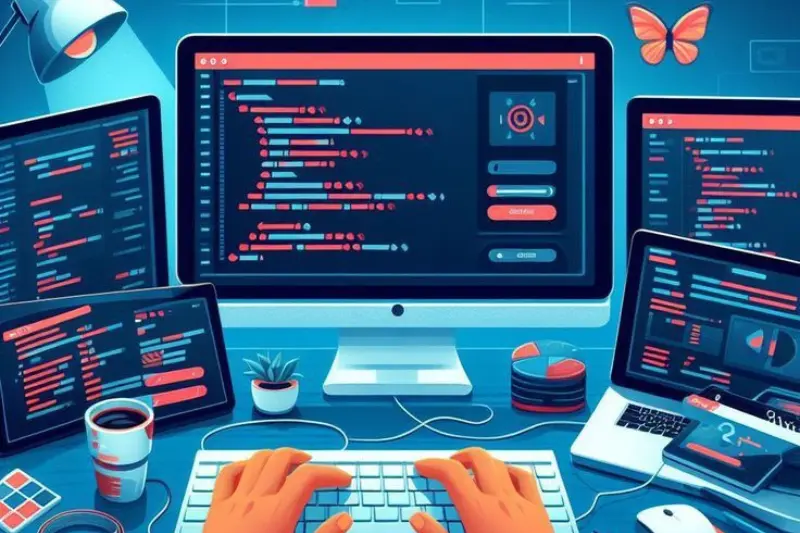
Choosing the right development tools depends on several factors.
Programming Language
Different tools support different languages. For example, Eclipse is widely used for Java, while Visual Studio Code supports many languages through extensions.
Project Type
Web development, mobile development, and data science projects may require different sets of tools.
System Performance
Some IDEs require more system resources, while lightweight editors work well on slower computers.
Community Support
Tools with large communities usually offer more tutorials, plugins, and support resources.
These considerations help developers select the right tools during a free developer tools review process.
Future of Free Developer Tools
The future of development tools is becoming more advanced with the integration of artificial intelligence and cloud technologies. Many modern tools now offer AI-powered suggestions, automated testing, and cloud-based development environments.
These innovations allow developers to write better code and collaborate more efficiently.
As technology evolves, the number of powerful free tools will continue to grow, making it easier for developers to build high-quality software without expensive resources.
Frequently Asked Questions
What are free developer tools?
Free developer tools are software applications that programmers can use without paying a license fee. They help with coding, debugging, version control, and testing applications.
Which free code editor is best for beginners?
Visual Studio Code is widely considered one of the best free editors for beginners because it is easy to use and supports many programming languages.
Why do developers use Git?
Git helps developers track code changes, collaborate with teams, and manage different versions of software projects.
Are free developer tools good for professional work?
Yes, many professional developers use free tools like Visual Studio Code, Git, and Docker in real-world software development projects.
What tool is used for API testing?
Postman is one of the most popular tools used by developers to test APIs and manage HTTP requests during application development.
Conclusion
Free tools play a major role in modern software development. Tools like Visual Studio Code, Git, Eclipse, NetBeans, Docker, and Postman provide powerful features that help developers write, test, and deploy applications efficiently.
This free developer tools review shows that developers do not need expensive software to build professional applications. With the right combination of free tools, programmers can create efficient workflows and improve productivity.