

Every programmer, whether beginner or experienced, encounters mistakes while writing code. These mistakes can be frustrating, but learning troubleshooting programming mistakes is a vital skill that turns problems into learning opportunities.
Troubleshooting is more than just fixing errors. It is the process of systematically identifying, analyzing, and solving problems in code. Understanding how to troubleshoot programming mistakes helps beginners become confident coders and prevents small issues from turning into major problems.
This guide explains the most common programming mistakes and provides step-by-step strategies for troubleshooting them effectively.
Why Troubleshooting Is Important
Mistakes are a natural part of programming. Learning how to troubleshoot programming mistakes is important because it helps you:
- Identify the cause of errors quickly
- Understand program behavior better
- Improve coding efficiency and reliability
- Build stronger problem-solving skills
Beginners who master troubleshooting can handle errors calmly and improve their coding abilities faster.
Common Programming Mistakes
Before learning how to troubleshoot, it is important to know the types of mistakes programmers often make:
Syntax Errors
These occur when code violates the rules of a programming language, such as missing punctuation or incorrect keywords.
Logic Errors
Logic errors happen when the code runs without crashing but produces incorrect results due to incorrect reasoning or calculation.
Runtime Errors
Runtime errors occur while the program is running, often caused by unexpected input or missing resources.
Typographical Mistakes
Misspelling variable names, commands, or function names is a frequent cause of errors for beginners.
You may also like to read these posts:
Simple Python Tutorial for Beginners Guide
Beginner Friendly JavaScript Guide for New Coders
Coding Fundamentals Explained Simply for Beginners
How to Debug Code Step by Step for Beginners
Step 1: Understand the Error
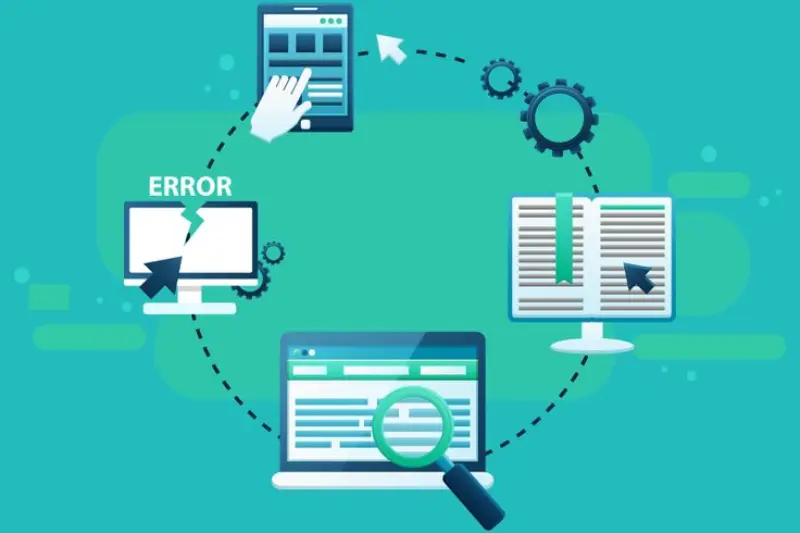
The first step in troubleshooting programming mistakes is to carefully read and understand any error messages. Error messages often indicate the type of problem and the line where it occurs.
When learning troubleshooting programming mistakes, beginners should focus on interpreting messages rather than just correcting the error blindly. Understanding the root cause is the key to solving it effectively.
Step 2: Reproduce the Problem
Reproducing the error consistently helps you see exactly under what conditions the mistake occurs. This step is essential because sometimes errors happen only in specific scenarios.
By observing the problem closely, programmers can identify patterns and understand what triggers the mistake. This technique is an important part of troubleshooting programming mistakes.
Step 3: Review Recent Changes
Many errors arise from recent code modifications. Reviewing changes helps identify what introduced the mistake.
Beginners learning troubleshooting programming mistakes should compare the current code with previous versions to isolate the problem quickly.
Step 4: Break Code Into Smaller Sections
Large programs can be overwhelming. Dividing the program into smaller, manageable parts makes it easier to locate errors.
Checking each section independently allows programmers to focus on specific areas, which is a key strategy in troubleshooting programming mistakes.
Step 5: Test and Observe
Testing different inputs and scenarios helps reveal where a program behaves incorrectly. Careful observation allows programmers to confirm whether their solutions are effective.
Beginners should experiment with small tests regularly when troubleshooting programming mistakes.
Step 6: Check Program Logic
If a program runs but produces unexpected results, the issue is likely a logic error. Analyze whether the instructions are correctly achieving the desired outcome.
Understanding logic and reasoning is a vital part of troubleshooting programming mistakes for beginners.
Step 7: Use Debugging Tools
Modern programming environments provide tools that help identify mistakes quickly. Tools like error highlights, step-through debugging, and variable monitors allow programmers to find issues efficiently.
Using these tools is an effective technique when learning troubleshooting programming mistakes and improves coding accuracy.
Step 8: Seek Help and Resources
Sometimes a problem may be difficult to solve alone. Beginners can ask for help in online programming communities, forums, or tutorial resources.
Learning from others’ experiences is a practical way to enhance skills in troubleshooting programming mistakes.
Best Practices to Avoid Mistakes
Although mistakes are normal, some practices can reduce their frequency:
- Write organized and clear code
- Test programs regularly as you develop them
- Follow programming language rules carefully
- Keep variable names consistent and descriptive
- Document your code to understand its flow later
Following these best practices makes troubleshooting programming mistakes easier and more effective.
Learning From Mistakes
Every mistake in programming is a learning opportunity. By analyzing errors, beginners gain insights into programming principles and improve problem-solving skills.
Studying mistakes and practicing solutions reinforces knowledge and helps avoid repeating the same errors in the future. This mindset is central to mastering troubleshooting programming mistakes.
Frequently Asked Questions
What does troubleshooting programming mistakes mean?
It is the process of identifying, analyzing, and fixing errors in code to ensure the program works correctly.
Why are troubleshooting skills important for beginners?
They help beginners understand program behavior, solve problems efficiently, and improve coding confidence.
What are the most common programming mistakes?
Syntax errors, logic errors, runtime errors, and typos are the most frequent mistakes.
How can I troubleshoot code effectively?
Read error messages carefully, reproduce the problem, check logic, test small sections, and use debugging tools.
Can troubleshooting mistakes improve programming skills?
Yes, analyzing and fixing mistakes strengthens problem-solving skills and helps beginners write better programs.
Conclusion
Mistakes are an unavoidable part of programming, but they provide a chance to learn and grow as a coder. Learning troubleshooting programming mistakes involves understanding errors, testing systematically, analyzing logic, and using proper tools.
By following a structured approach, beginners can handle programming mistakes calmly, improve their coding skills, and build confidence in writing error-free programs.